Guide
How do you spot a changed supplier bank account before paying a Xero bill?
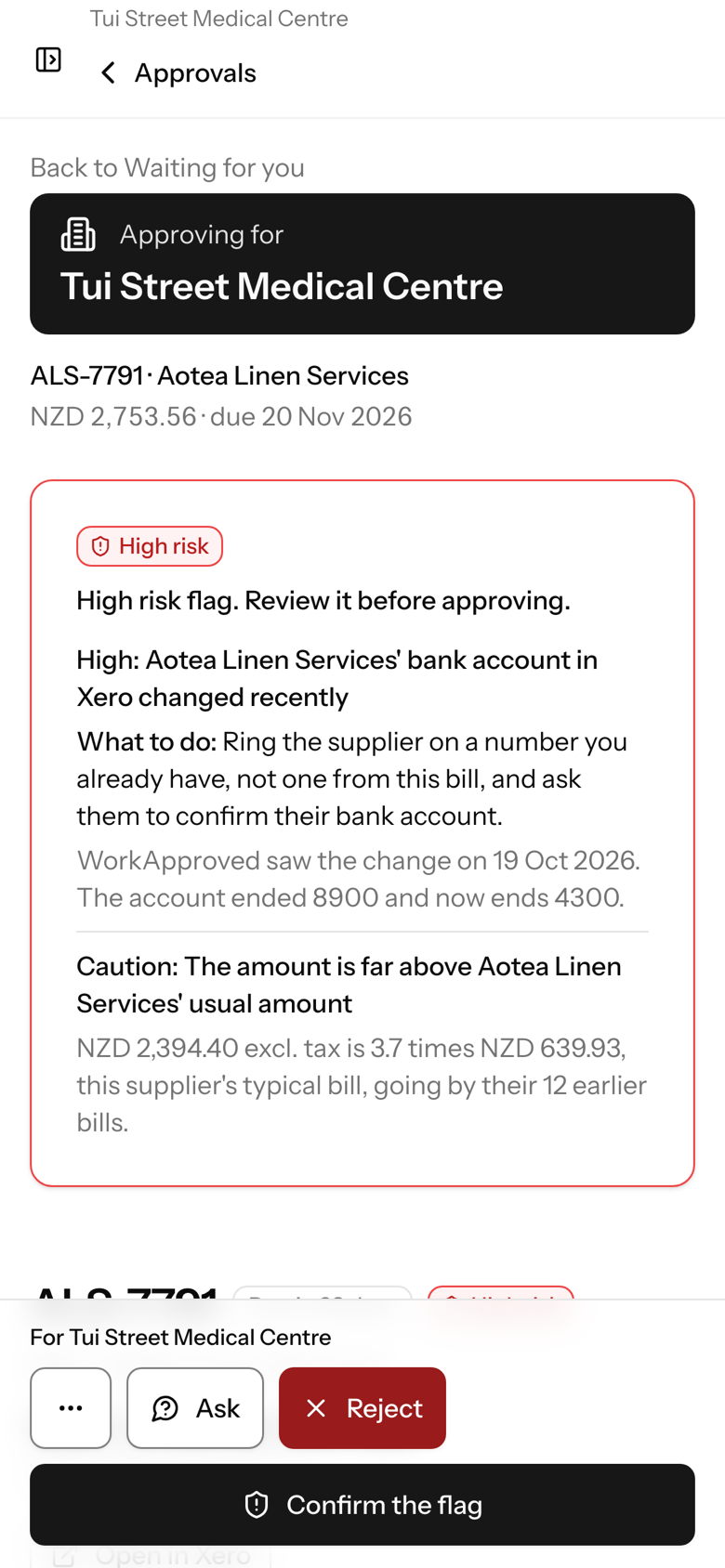
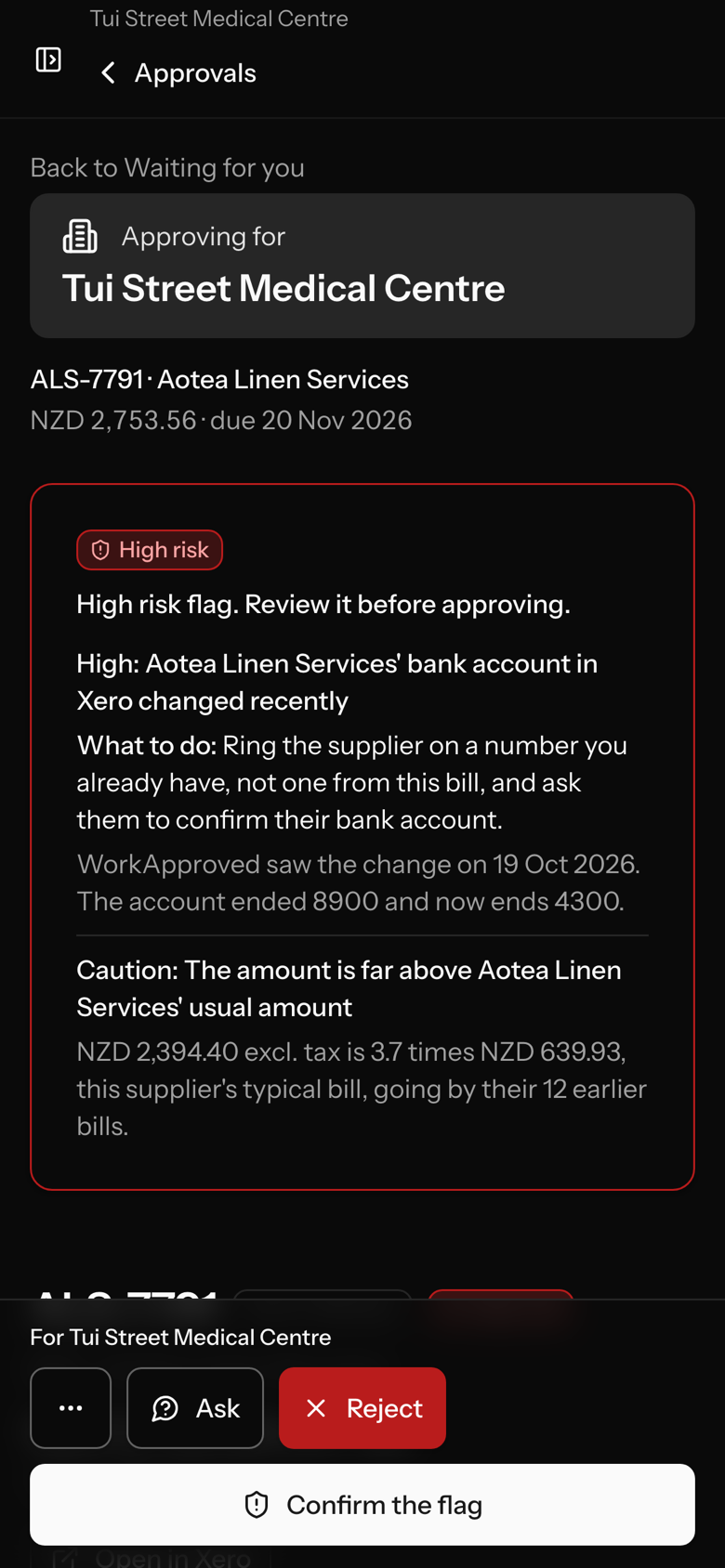
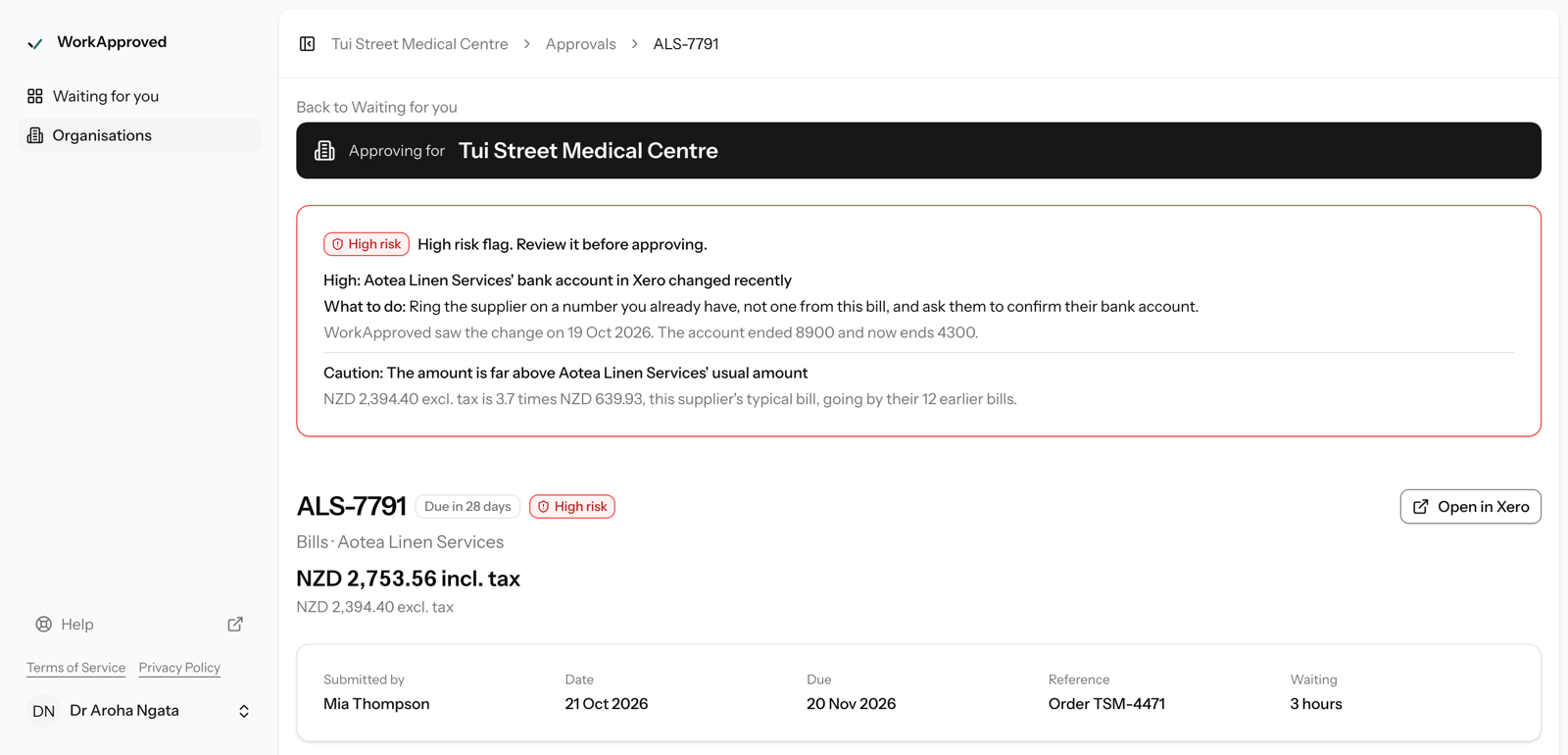
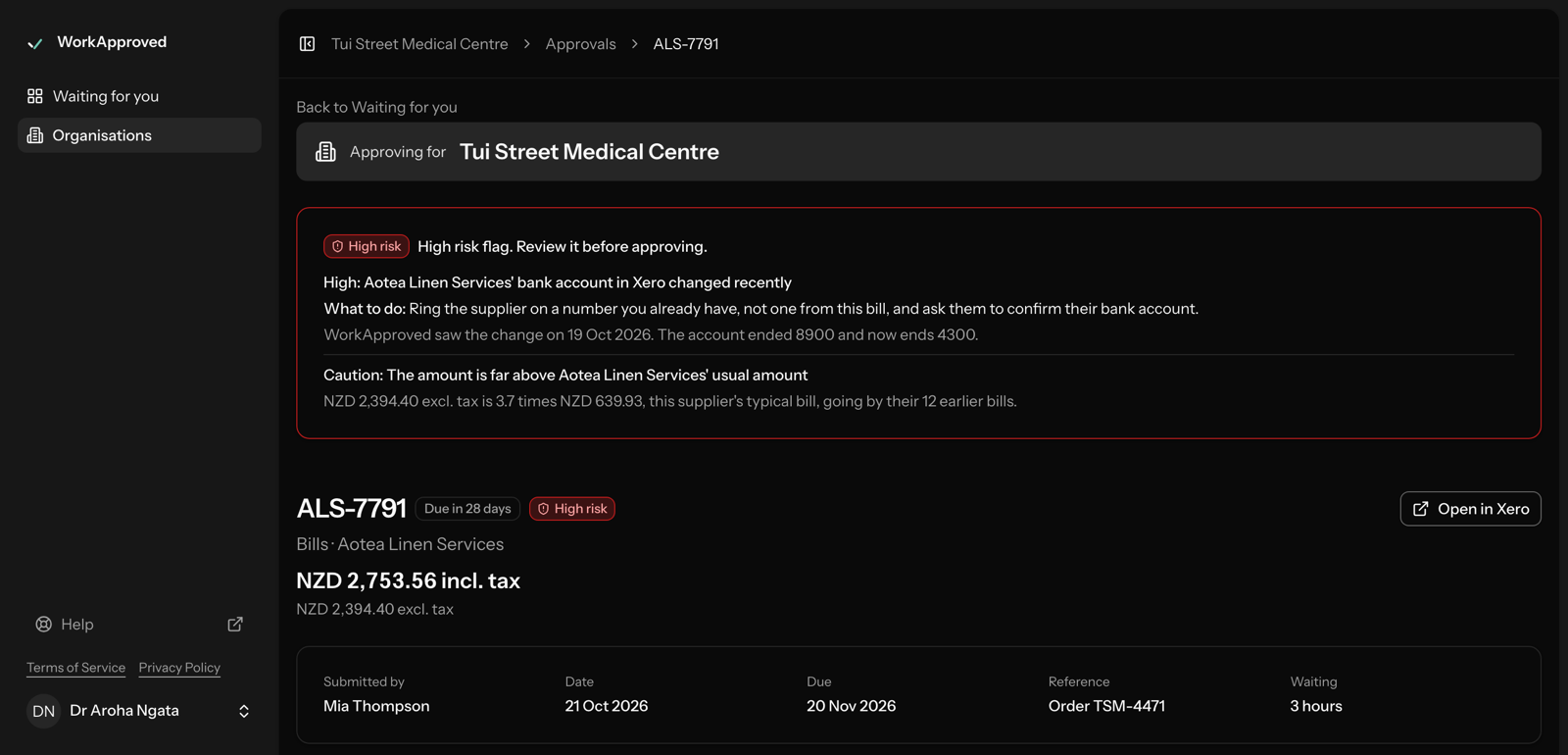
Compare the bank account on the bill with the one you already hold for that supplier, and confirm any change by phoning a number you already have, not one on the invoice. WorkApproved flags a recently changed supplier bank account, or a PDF account that differs from Xero, before an approver can approve.
Last updated 22 October 2026.
The manual check
Common advice for changed bank details is simple:
- Compare the account on the invoice with the account held for that supplier in Xero.
- If they differ, contact the supplier on a phone number you already hold. Do not use contact details printed on the invoice or in the email that asked for the change.
- Record who confirmed it before the bill is approved.
It works, but it depends on someone noticing. When bills are approved by directors or budget holders who do not live in Xero, nobody may be looking at the bank account at all.
What WorkApproved adds
On every bill, WorkApproved runs 19 checks for common signs of error and fraud. Two of them are about bank accounts:
- a supplier's bank account that changed recently;
- a bank account on the PDF that differs from the one in Xero.
Other checks look for a duplicate invoice number, the same file attached to another bill, an amount far above that supplier's usual, a first-time supplier, and a PDF that was edited after it was created.
The approver sees each flag with a level (high, caution or info), what was found and what to do. A high flag must be acknowledged before the bill can be approved. A flag never silently blocks a bill by itself.
After approval
If a supplier's bank account changes while approved bills are still unpaid, administrators are told. If someone authorises a bill in Xero by hand, outside WorkApproved, your organisation's administrators are alerted for the document types you have switched on.
Good to know
- We flag common signs of error and fraud.
- Flags help the approver decide; WorkApproved does not pay bills.
- The checks run on bills.
- The full list of checks and their thresholds is shown to administrators and auditors only.
Cost
Standard is NZ$39 + GST per Xero organisation per month, with all 19 checks included and unlimited users. See the pricing page. Prices exclude tax.
Screens shown are illustrative and evolve as we release improvements.